
Panel Meter Crossover Access Database and How to Use it...
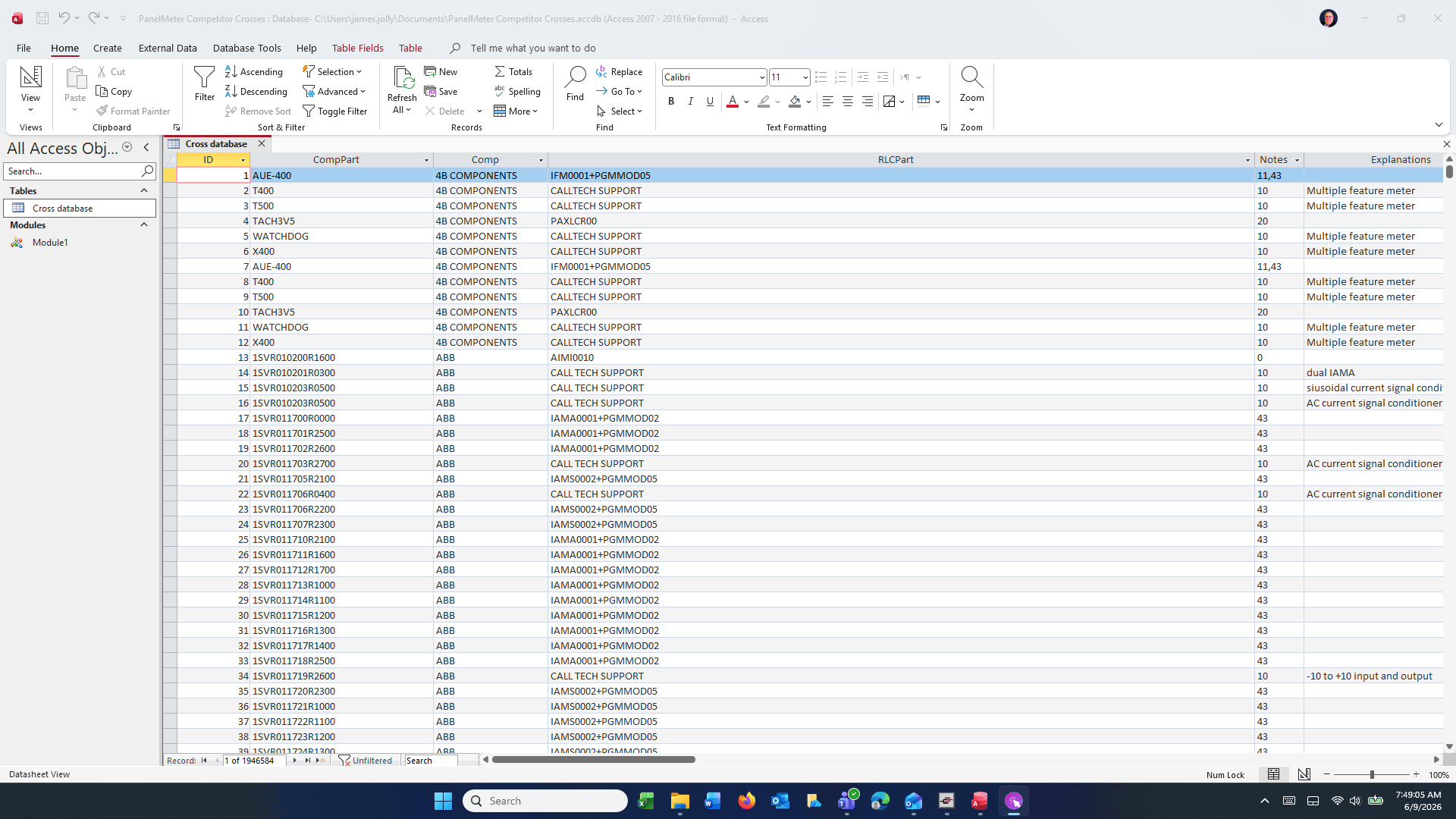
This "Panel Meter Competitor Crosses" Database is the import of all of the Excel Spreadsheets that was in the Crossover Folder. As you can see in the screenshot below after you have opened up the database, look on the left tree under the tables and double click on the Cross Database. This will open up all 2 million records that are in this database. After it is open click on the CompPart Column

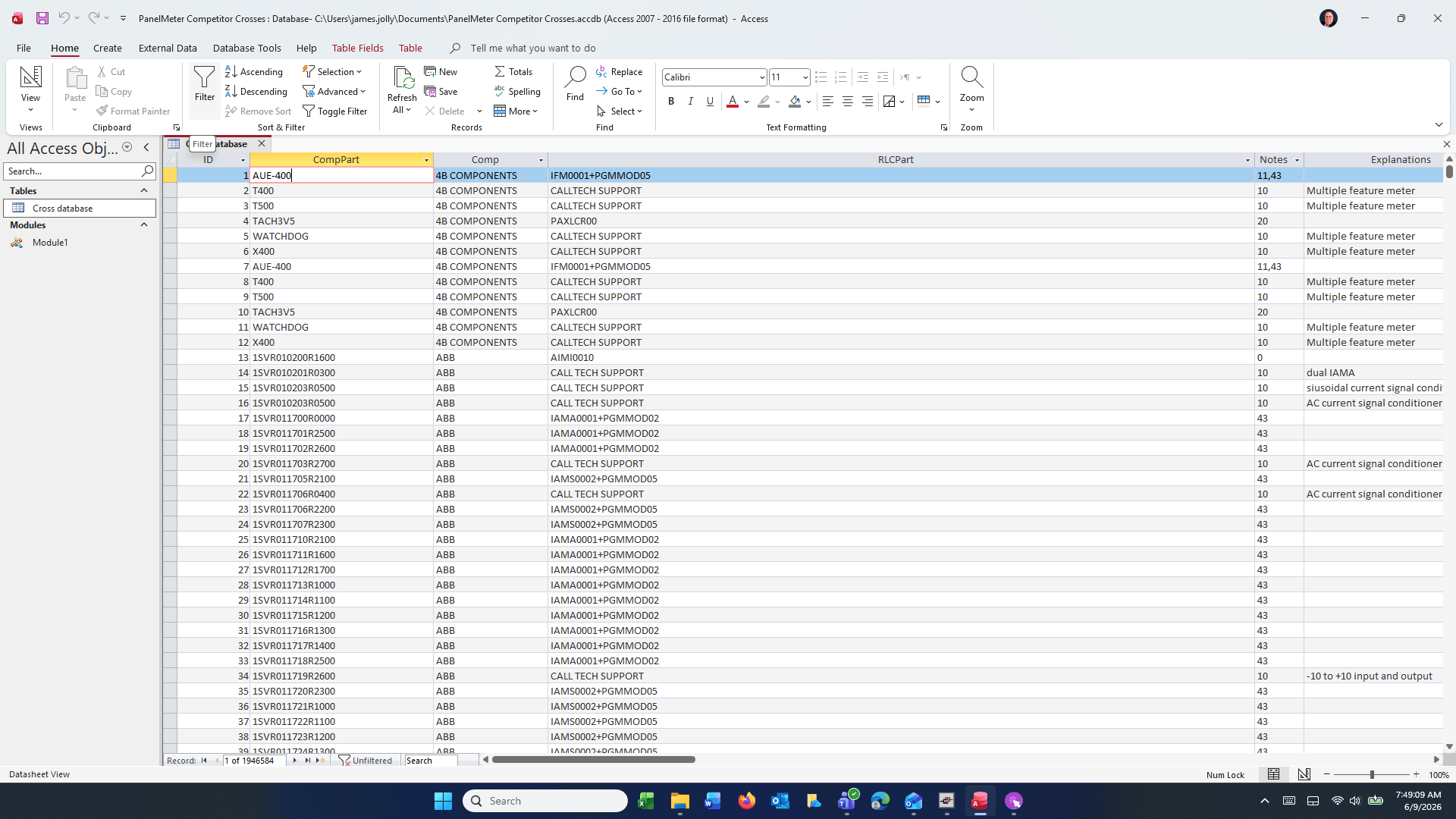
After you click on the ComPart Column, it will appear like this. Once you have done that click on the Sort Icon.
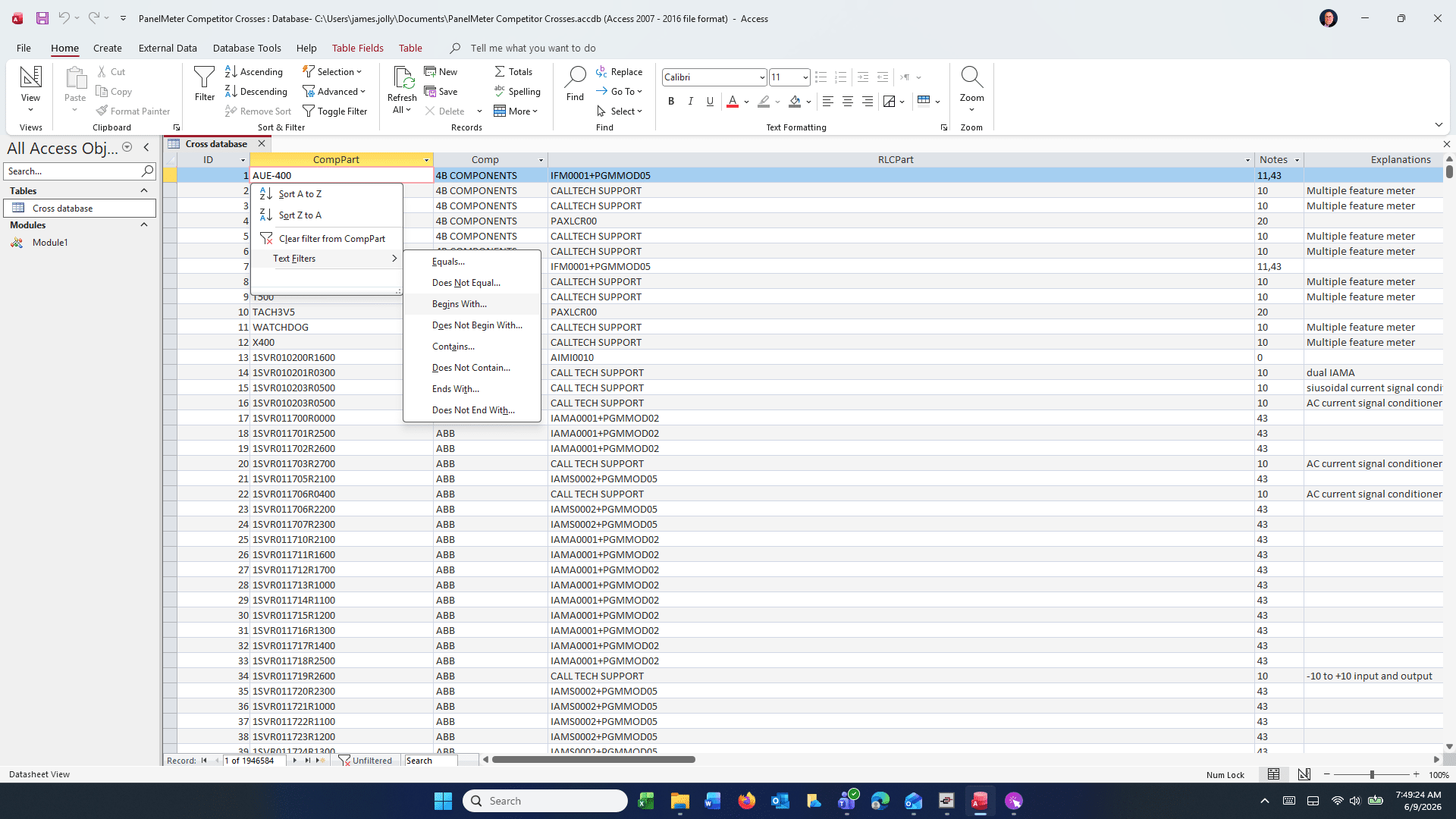
Once you do that a box will pop open. Select Text Filters and then I use "Begins With".
After that a popup box will appear that you put the first few letters of the item you are looking for into. The more letters you put in the more accurate the search will be, but you can use just the first few and it will find them all in a matter of seconds.
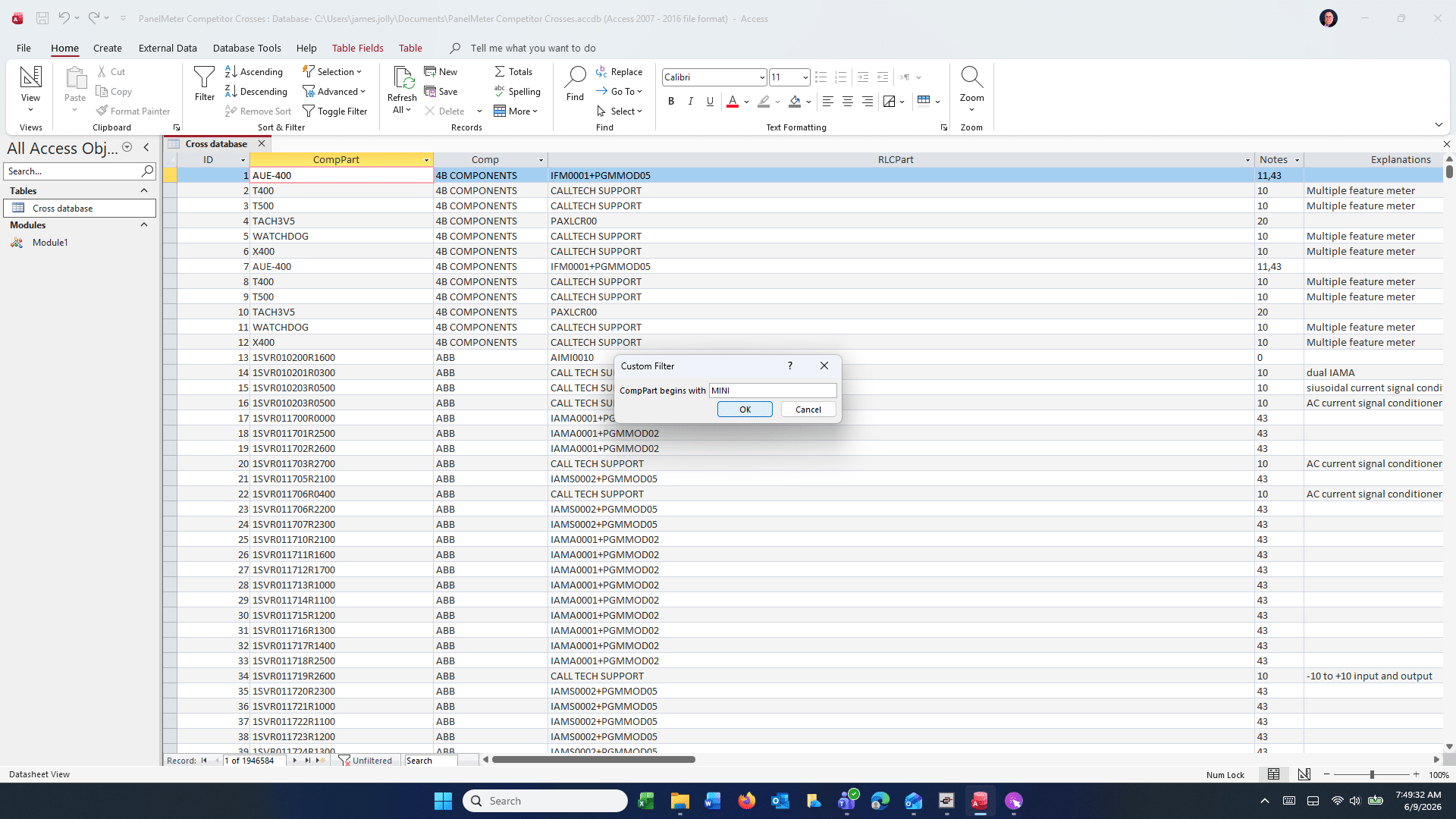
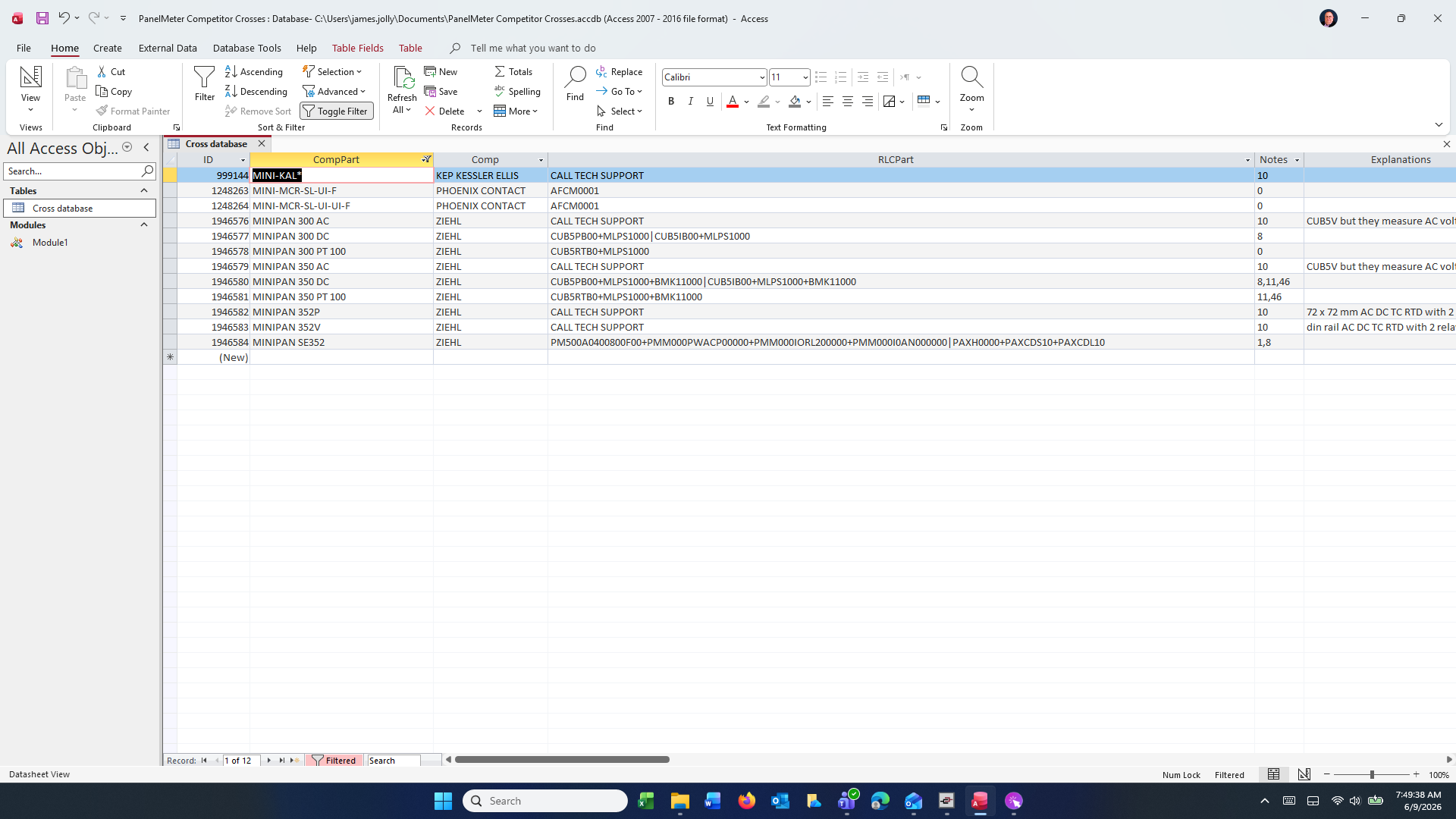
Above I put in "MINI" as I knew that was at the bottom of the database, I wanted to test how fast it would find all those records at the very bottom. It did so in like less than a second. If you need to do another search just hit the "Toggle Filter" button and start from scratch. Be sure to put your cursor in the top ComPart field.
Click here
Previous
How to create a data logger that records numeric and flag tags
Next
S7 Plus Driver - Using import functions to create tags...
Not finding what you are looking for?
Reach out to our support team